
Issue: MS Excel worksheet disappears after enabling editing. The worksheet could either have originated from the Internet or an email
Resolution (reference video below):
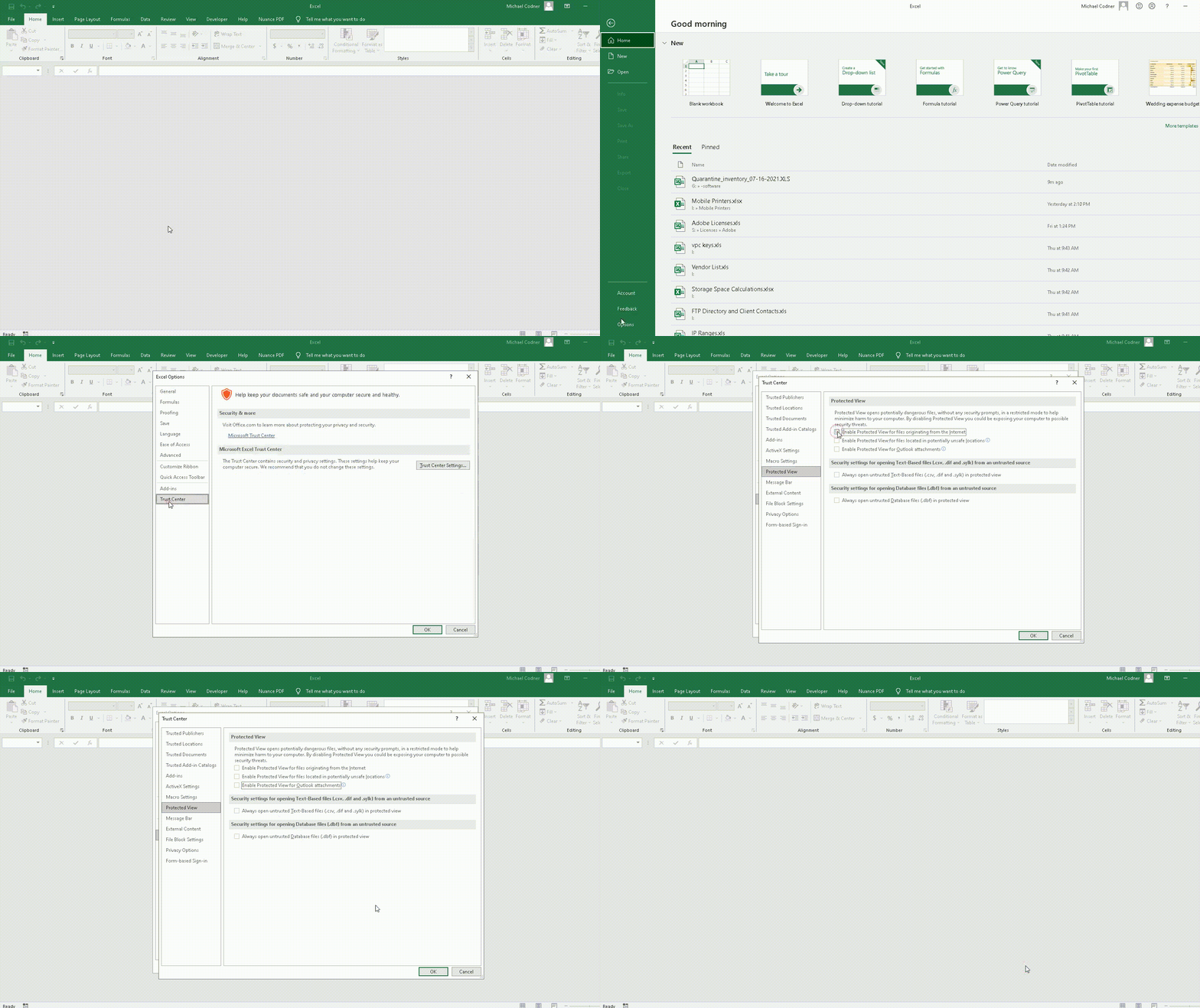
1.> Open Trust Center: Go to File Menu> Options> Trust Center> Trust Center Settings
2.> On the left-side panel, go to Protected View
3.> On the right-side (Protected View) disable the following options:
- Enable Protected View files originating from the Intern
- Enable Protected View for files located in potentially unsafe locations
- Enable Protected View for Outlook attachments
Comments
0 comments
Please sign in to leave a comment.